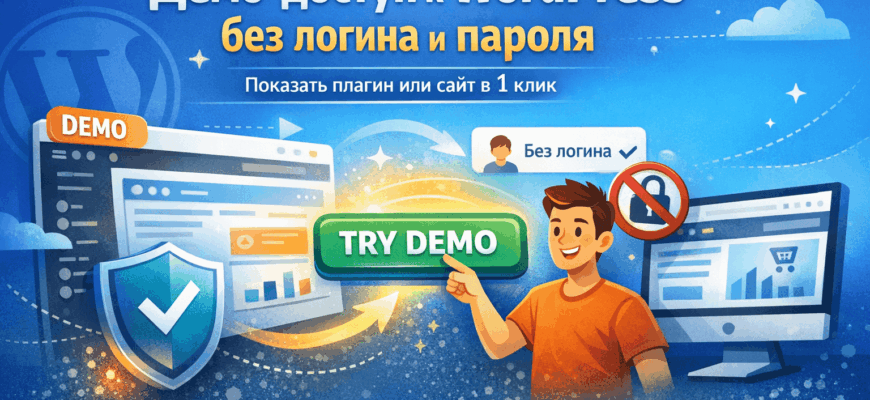
When you sell a plugin, theme, or custom solution for WordPress, a description alone is often not enough. It’s important for the client not only to read about the features but also to see how everything works live. That’s exactly why you need demo access to WordPress without login and password.
This format is especially useful for plugin developers, theme authors, agencies, and freelancers who want to showcase functionality quickly and without unnecessary barriers. The user clicks the “Try Demo” button and immediately lands in the desired section of the site, without registration or manual data entry.
You can find more WordPress solutions on the main page of the plugin store and in the Lifehacks section.
What is demo access without login and password
This is a special login scenario where the user does not need to create an account, request access, or enter a password. They follow a protected link and automatically enter a prepared WordPress demo environment.
In practice, you can configure:
- one-click admin panel login;
- a limited user role;
- access only to the necessary section;
- protection from dangerous actions;
- separate demo links for different scenarios.
Why it’s needed when selling plugins and themes
When a person only sees screenshots or reads a description, doubts remain: what does the interface look like, how convenient is everything arranged, is the setup too complicated, will the solution fit their project? A live demo answers most of these questions.
This is especially important for selling digital products: the faster a potential client understands the value of the solution, the higher the chance of a request or purchase. Instead of long explanations, you simply give the opportunity to test the functionality in a real environment.
This approach works well for:
- WooCommerce plugins;
- custom admin panels;
- WordPress themes;
- LMS and personal accounts;
- marketplaces and catalogs;
- SaaS projects on WordPress.
Who benefits most from this scenario
Your service page already lists the main categories for which this solution is suitable: WordPress plugin developers, theme authors, agencies, freelancers, as well as owners of SaaS, LMS, and catalogs. It is specifically noted that you can configure a protected link, user role, access restrictions, and integration with the Try Demo button. This makes the solution universal and commercially useful not only for demonstration but also for real sales.
If you run your own plugin store, demo access becomes not just a technical feature but part of the sales funnel. It helps turn a regular service card into a full-fledged interactive product presentation. :contentReference[oaicite:1]{index=1}
Benefits of demo access for business
1. Fewer entry barriers.
The user doesn’t need to register, confirm email, or wait for access. The fewer steps before getting acquainted with the product, the better the conversion.
2. More trust.
When the product can be tested hands-on, it feels more convincing. This is especially important for custom WordPress solutions where the client wants to understand exactly what they are paying for.
3. Easier to demonstrate complex functionality.
Some plugins are hard to sell with just text. It’s much easier to show the interface, settings, workflow, and results directly inside the site.
4. Safe access restriction.
The demo role allows showing only the necessary features and hiding everything else. The user sees the product but cannot damage the site or change critical settings.
5. Suitable for various sales scenarios.
This can be a demo for a service page, a promo landing page, a private presentation for a client, or a separate test login for a specific task.
How to use it in practice
Imagine you sell a WooCommerce plugin. Instead of saying “we have convenient settings,” you provide a “Try Demo” button — and the person immediately sees the interface, options, and workflow. If you sell a WordPress theme, you can show the customizer, templates, or admin area. If it’s a solution for a marketplace, catalog, or personal account, you can open access to the necessary pages and roles.
That’s why this format pairs well with selling custom solutions and ready-made plugins. It doesn’t replace the description but makes it much more convincing.
Where to see your solution
The service is described in detail on WPDevStudio: demo access to a WordPress site or plugin (auto-login without login and password). It states that you can configure login via a protected link, user role, permission restrictions, and additional options, including integration with the Try Demo button and adaptation for WooCommerce, Elementor, and ACF.
If you need not only a ready-made scenario but also customization for your site, you can check information about WPDevStudio and contact via the feedback page.
Useful external materials
WordPress originally supports a system of user roles and capabilities, which is usually the basis for building secure access restriction scenarios. This is a convenient foundation for setting up demo modes, test roles, and controlled login. This is described in detail in the official WordPress documentation on user roles and capabilities. :contentReference[oaicite:2]{index=2}
If the demo is related to an online store, compatibility with WooCommerce and custom checkout, cart, order, or admin settings scenarios is especially useful. This is particularly relevant for projects where you sell not just a service but a ready-made plugin or comprehensive eCommerce solution. :contentReference[oaicite:3]{index=3}
Conclusion
Demo access to WordPress without login and password is one of the most practical ways to showcase a product. It helps engage the user faster, remove unnecessary objections, build trust, and make selling a plugin or theme clearer and more visual.
This is especially useful for a plugin store: the easier it is for a potential client to try the solution, the higher the chance they will submit a request or purchase the product.
Also read: other articles and reviews in the plugin store blog.